Script Installation
2. Unzip the HTML5 popup player.zip file. You will see a folder with the name "player" and 8 subfolders.
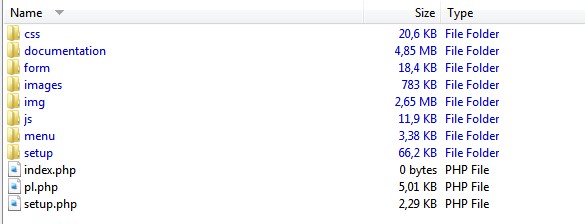
3. Click and open the "setup" subfolder:
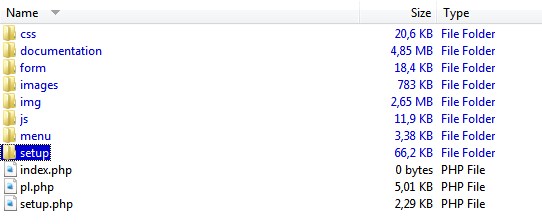
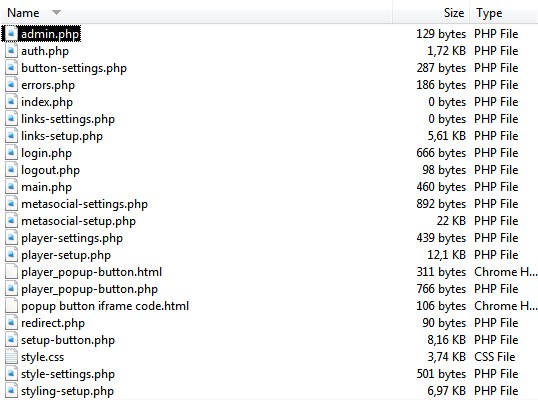
Upload the folder "player" with all subfolders and files to your webserver root folder (public_html).
Open in the browser the script install page of this player: https://yoursite.com/player/script-install.php
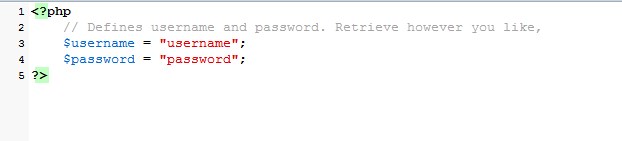
To log-in, enter the username and password which you edited in the admin.php
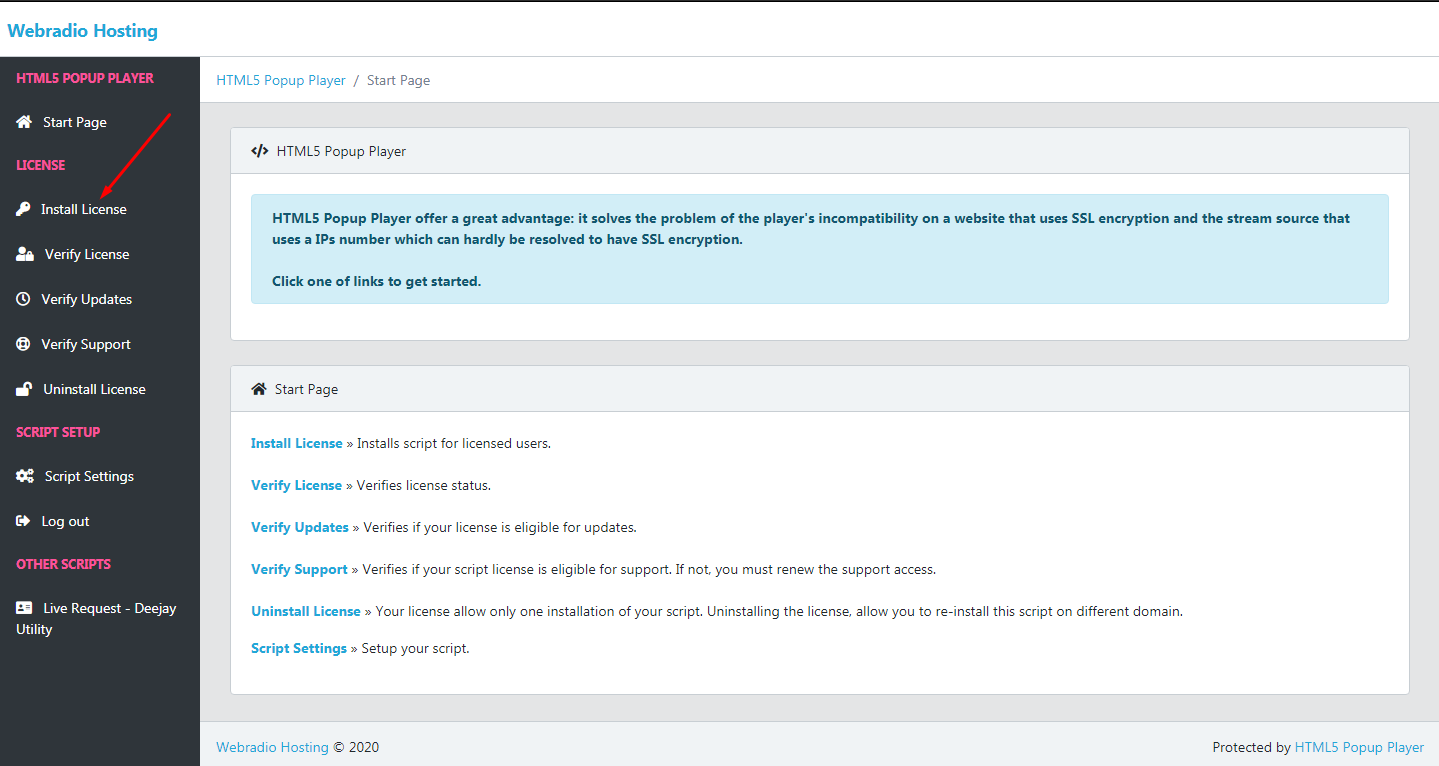
First of all, you must install the script license. Click on Install License:
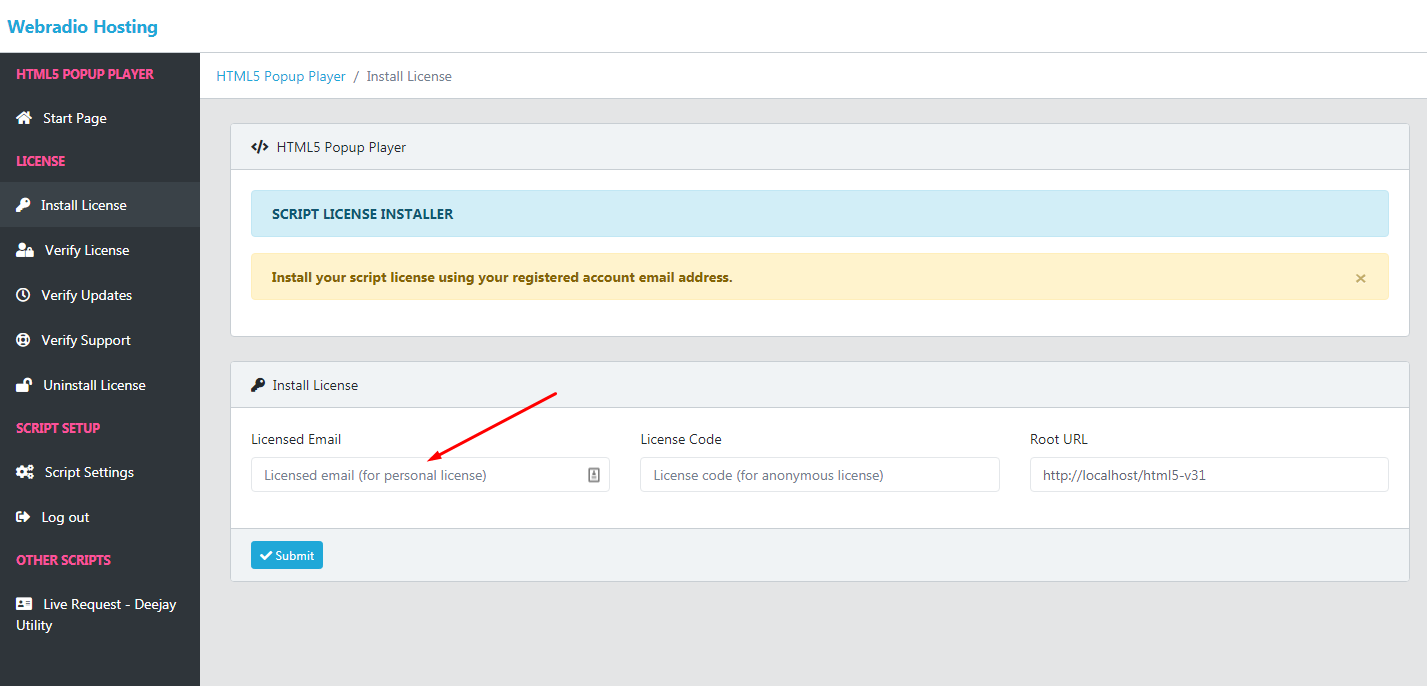
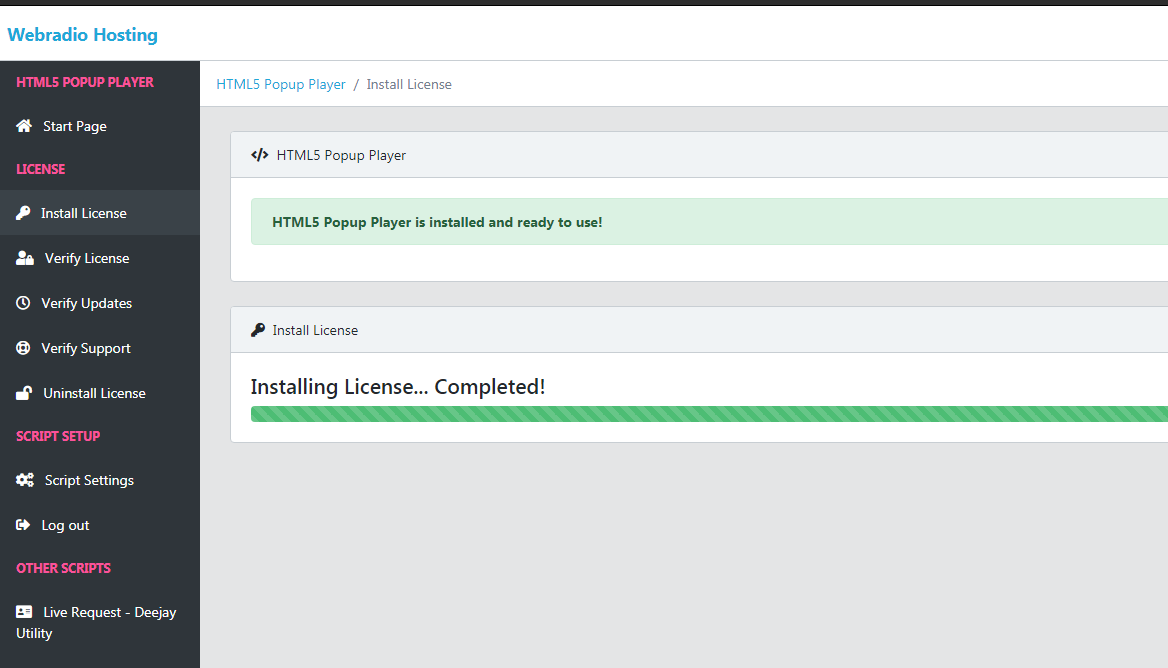
If all are ok you will see this message:
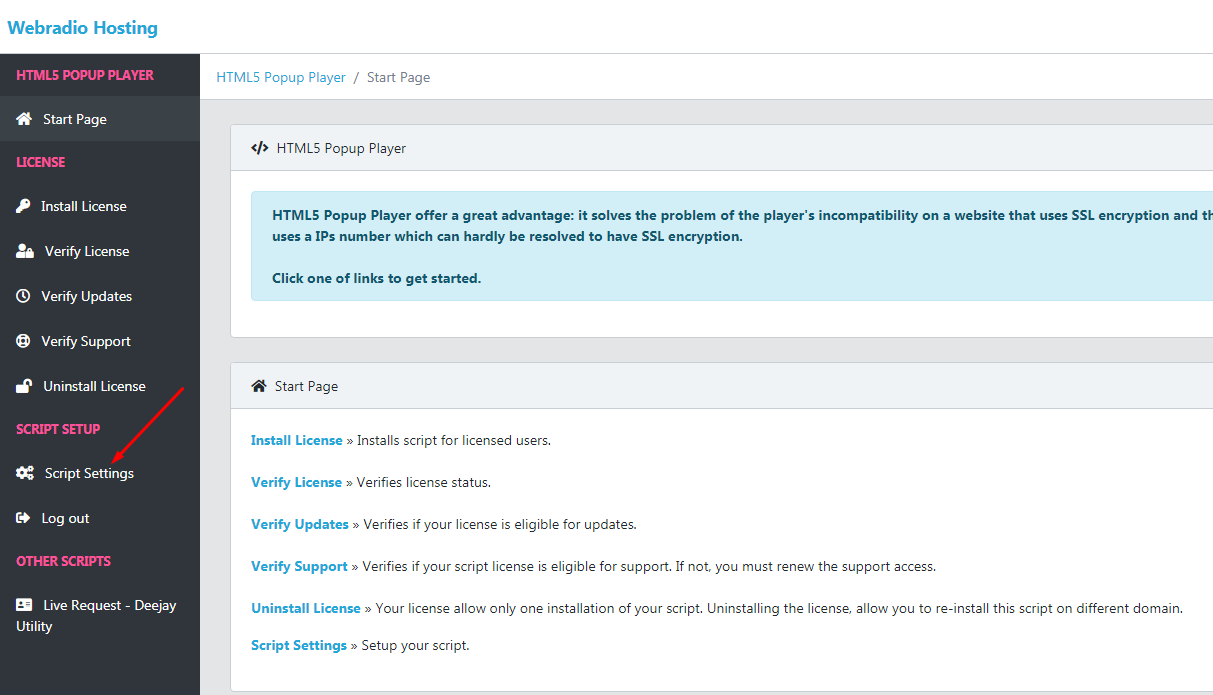
Now you can go to setup your script. Click on Script Settings:
Before proceeding with setting up the script, read the following important information !!
The player works under these conditions:
1. If the radio station stream link use HTTP like: http: // IP address: port / streamYou cannot put the player directly on a website that has SSL (use HTTPS) enabled because it will give you errors.
You can install the script on a subdomain that is SSL enabled but works with both HTTP and HTTPS and uses the player popup button on the website instead of the player.
The popup button will be called on https but will open the player in a new window which will be using the player's HTTP address. In this mode you will no longer have errors like mixed content or errors given by the player requesting information from an https address to a http stream.
See the script settings in this case:
Or click on the menu: HTTP Stream / HTTPS Website

2. If the radio station stream link is SSL enabled (the stream address use HTTPS like https: //subdomain.domain: port / stream)
In this case, there is no problem using directly the player on a website that is SSL enabled nor on a website that uses HTTP and you don't need to use the popup button. But you can use it if you like.
See the script settings in this case:
Or click on the menu: HTTPS Stream - HTTPS Website
3. If you don't have SSL installed for the streaming server IP (not domain name) and on your website. You can use the player and/or the popup player button everywhere on your website without problem.
Don't have to create a sub domain and you can upload the script folder on your webserver public_html folder.
See the script settings in this case:
Or click on the menu: HTTP Stream / HTTP Website